Add a short name for a site
Super users can enter short names for sites.
Short names for a site are used to extract report data, and must match customer short names used on the vault. Each site must have a unique short name; sites cannot share the same short name.
To add a short name for a site:
-
When signed in as a Super user, click Sites on the navigation bar.
The Sites page shows existing sites.
-
Find the site for which you want to add a short name. Open the site by clicking its row.
-
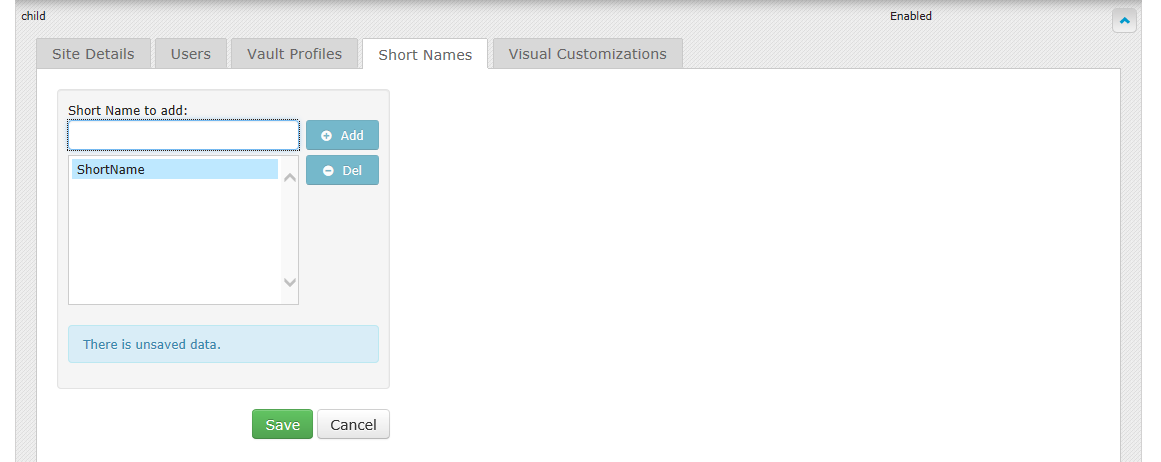
Click the Short Names tab.
-
In the Short Name to Add box, enter a short name.
-
Click Add.
The new short name moves to the short name list, and the Save button appears.
-
Click Save.