Add a description
You can add a description for a computer in Portal. The description appears on the Computers page, and can help you find and identify a particular computer.
To add a description:
-
On the navigation bar, click Computers.
The Computers page shows registered computers.
-
Find the computer for which you want to add a description, and click the row to expand its view.
If the Configure Manually box appears, click Configure Manually. The Configure Manually box appears for some computers where a backup job has not been created.
-
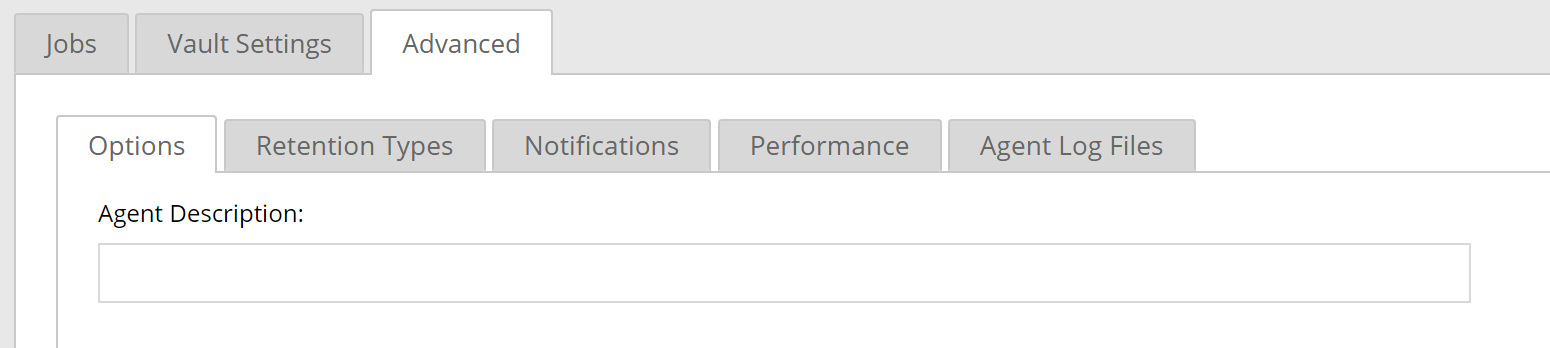
On the Advanced tab, click the Options tab.
-
In the Agent Description box, enter a description for the computer.
-
Click Save.